Blog · make video product review
Make a Product Review Video with AI — UGC-Style Clips from Photos
Make video product review style clips with AI from product photos: UGC energy without creators, Ad creative vs listing Product shot, TikTok/Reels tips, and honest limits vs real reviewer footage.
Updated 2026-08-11 · 13 min read · AmazVid Editorial
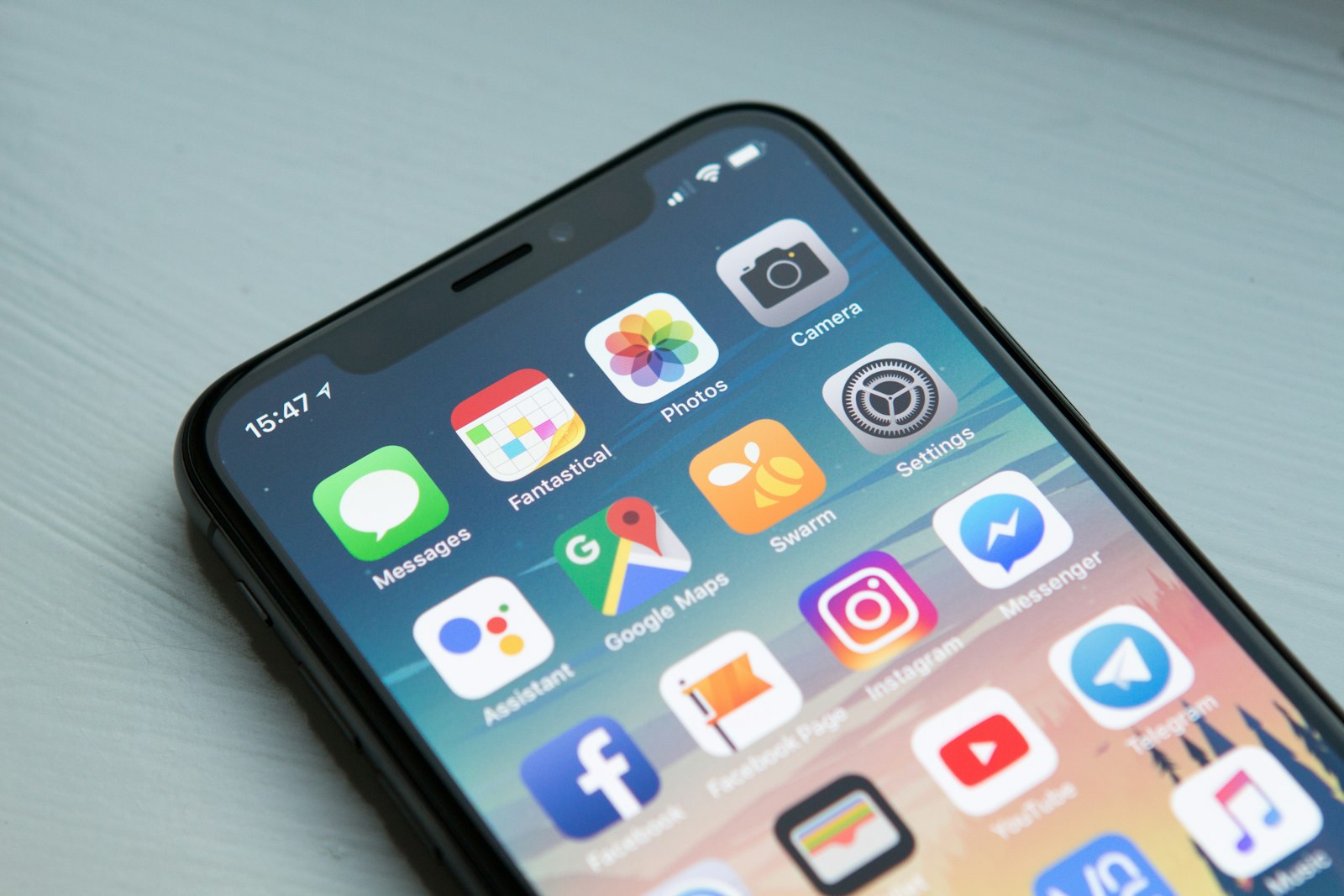
Google suggests make video product review right next to make product video with AI — sellers want review energy without booking creators. This guide shows a policy-safe way: AI product motion from your photo, plus your words — not a fake customer.
Cluster: Make product video · With AI · Online · Free
Direct answer
| Goal | Do this |
|---|---|
| Review-style social hook | Ad creative 9:16 from listing photo |
| Fashion “try on” review vibe | Wearable try-on |
| Amazon gallery | Silent Product shot — not hype review |
| Real testimonial | Hire creators / customers — AI assists product B-roll |
→ Ad creative mode · Wearable · Product shot
What searchers mean by “make video product review”
Usually one of three jobs:
- UGC-looking product demo for TikTok/Reels
- Amazon traffic creative that feels like a review hook
- Actual review content with a human opinion
AI shines at (1) and (2). (3) still needs a real voice. Related: AI UGC for Amazon · UGC-style try-on without creators
Recommended workflow (AmazVid + CapCut)
1. SKU in
Paste URL or upload photo — from photo · with AI
2. Pick mode
| Feel | Mode |
|---|---|
| Packshot review “here’s the product” | Product shot |
| Fast social review hook | Ad creative |
| On-body fashion review | Wearable |
Matrix: Wearable vs Product vs Ad
3. Export silent master
Keep the AmazVid file text-free. Add review captions yourself.
4. Overlay honest copy
Examples (your words):
- “3 things I check on every restock…”
- “Same bottle as the listing — slow orbit so you see the seal…”
Avoid: fake names, fake star ratings, “AI customer loved it.”
5. Publish to the right surface
- Reels / TikTok / Meta: Instagram Reels from photos · Facebook ads from photos · TikTok Shop requirements
- Amazon listing video: make product videos for Amazon
- Off-Amazon ads from ASIN: turn Amazon listing into video ad
Free path to test review-style clips
2 free credits → one Ad creative (5) or three Product shots. See make product video with AI free. Upgrade before watermarked files go live.
Online browser path: make product video online

Compliance guardrails
- Do not imply a real person endorsed the product if they did not
- Keep product identity locked to the listing photo
- Amazon gallery ≠ review channel
- Disclosures still apply when you run paid social
Bottom line
Make video product review with AI the smart way: SKU-true motion + your caption, Ad creative for feeds, Product shot for listings. That scales — without fake testimonials.
→ Run Ad creative · Make product video hub · With AI guide
---
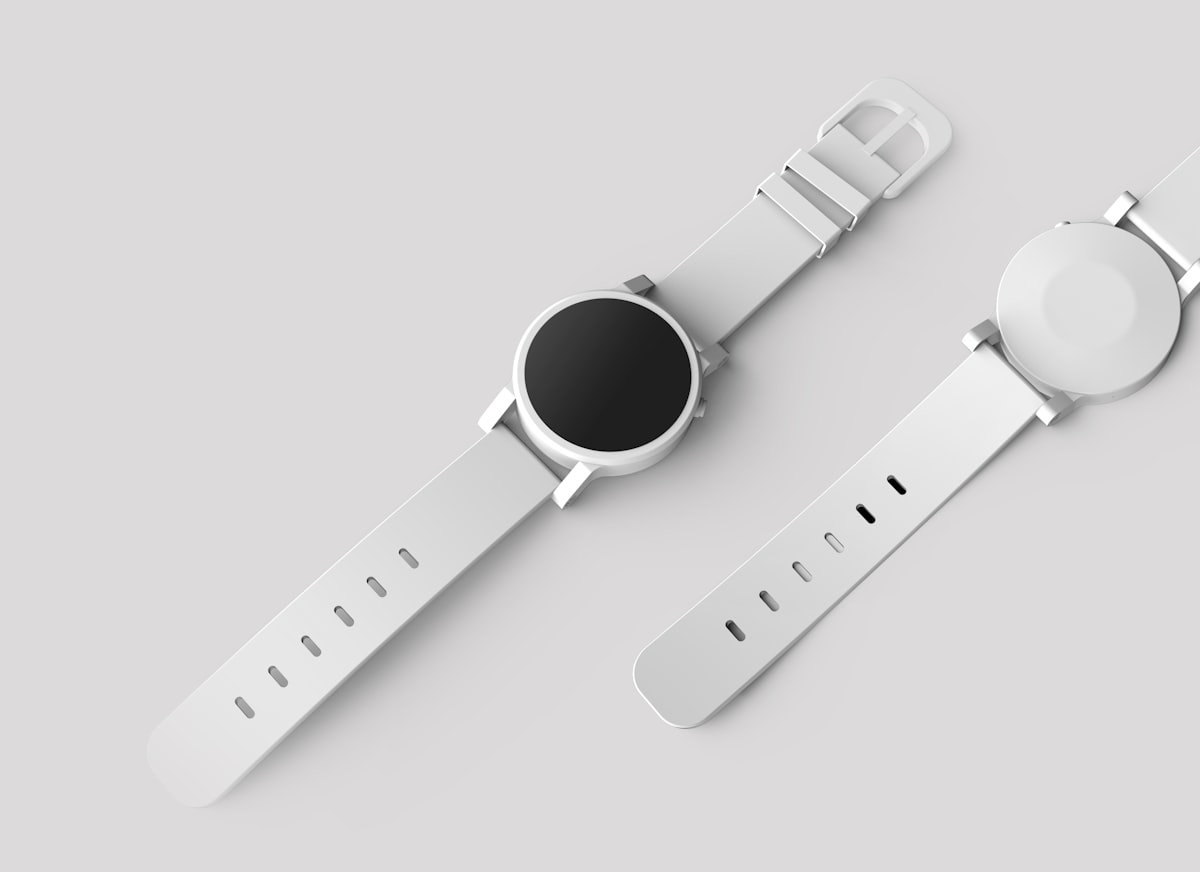
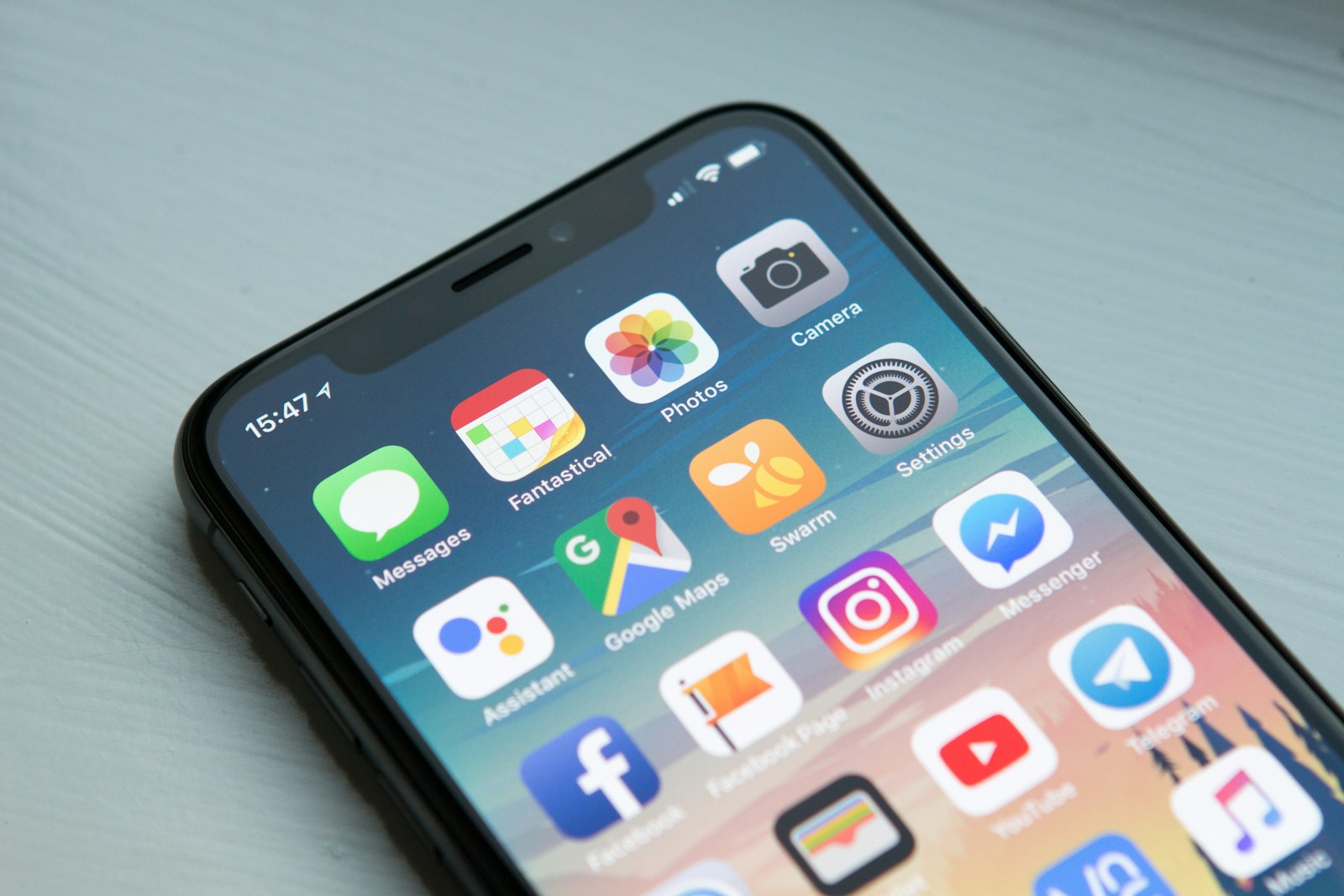
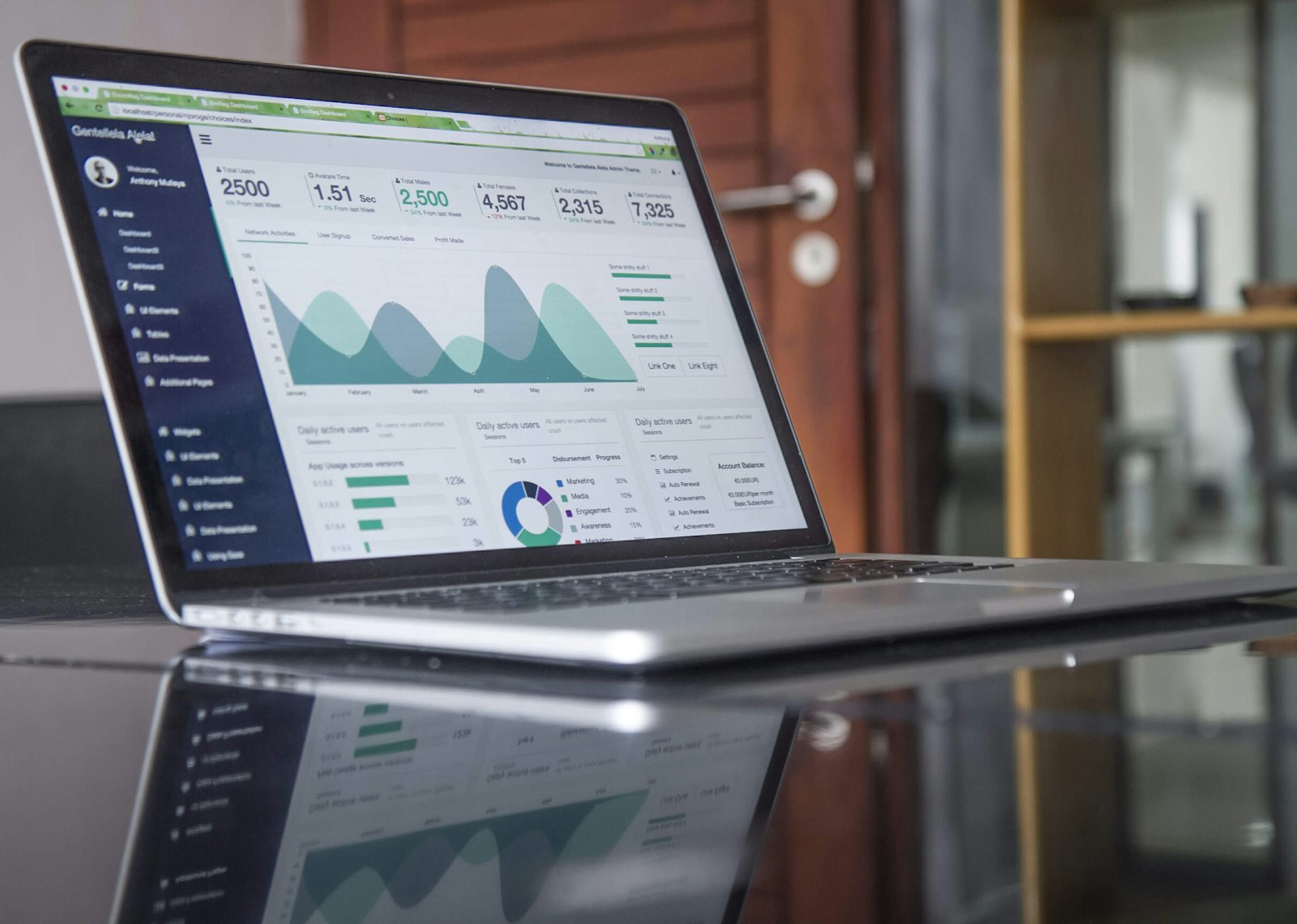
*Illustration photos in this article are from Unsplash under the Unsplash License.*
Team & job landings
Solutions by team · use cases by job — open the hub that matches how you ship.
Frequently asked questions
How do I make a video product review with AI?
Generate a short product-focused clip from your listing photo (Ad creative or Wearable), then add your own review captions or voiceover in an editor. Do not present AI avatars as real customers.
Can AI replace real product reviewers?
Not for authentic testimonials. AI is best for SKU motion and UGC-style pacing. Real reviews still win trust; AI scales creative volume around the product.
Should I upload AI review videos to Amazon gallery?
Usually no. Amazon gallery wants accurate product representation — use silent Product shot. Review-energy clips belong in ads, Brand content, or social.
What AmazVid mode fits review-style content?
Ad creative for 9:16 hooks; Wearable for on-body fashion try-on energy; Product shot for honest packshots. See the mode matrix guide.
Is this the same as make product video with AI?
Related. “Make product video with AI” is the general pipeline. Review-style is a creative tone for social — same photo, different mode and captions.
Related guides
- AmazVid homepage — AI product video generator
- How to Make a Product Video (2026)
- Make Product Video with AI (2026 Guide)
- Make Product Video Online (No Software)
- Make Product Video with AI Free
- AI UGC Product Video for Amazon Sellers
- UGC-Style Try-On Without Creators
- Turn Amazon Listing into a Video Ad
- Facebook Ads Product Video from Photos
- Instagram Reels Product Video From Photos
- TikTok Shop Product Video Requirements
- Wearable vs Product vs Ad Creative
- AmazVid use cases — job playbooks
- AmazVid pricing
Sources
Ready to generate product video?
Paste a product link, lock the first frame, export silent 1080p — 2 free credits. No prompts required.