Blog · Instagram Reels product video from photos
Instagram Reels Product Video From Photos (No Shoot Day)
Make an Instagram Reels product video from photos: 9:16 specs, 6–15s hooks, first-frame AI motion, and a QA checklist for DTC and marketplace sellers.
Updated 2026-09-05 · 11 min read · AmazVid Editorial
Reels reward motion — but most catalogues only have stills. This playbook shows how to build an Instagram Reels product video from photos without booking talent or a set.
Built for Shopify DTC, Amazon brands running Meta ads, and agencies testing creative weekly.
Hub links: AI product video · URL → video · 9:16 ad video from photos
Specs that matter for Reels product video
| Spec | Practical default |
|---|---|
| Aspect | 9:16 |
| Resolution | 1080×1920 |
| Length | 6–15s for product hooks |
| Codec | H.264 MP4 |
| Audio | Optional; design mute-first |
Keep key visuals centred — UI chrome eats the edges. For duration strategy across channels, see ecommerce product video length.
How to make Instagram Reels from product photos
1. Pick stills with “scroll stop” colour
Coral bottles, woven totes, orange snack packs — colour contrast beats beige-on-beige on a phone feed.
2. Decide Product shot vs Ad creative
- Product shot — soft orbit / push-in, listing-faithful, often silent
- Ad creative — punchier crop and pacing for paid Reels
AmazVid separates these modes so you do not warp packaging when you only needed a PDP loop. Related: Facebook ads product video from photos.
3. Lock the first frame
Ad creative from product photo only works if the opening frame matches the PDP. Image-to-video with first-frame lock is the non-negotiable. Details in convert product photos to video.
4. Hook in two seconds
Patterns that work:
- Hard cut to pack + micro zoom
- Light sweep across metal / glass
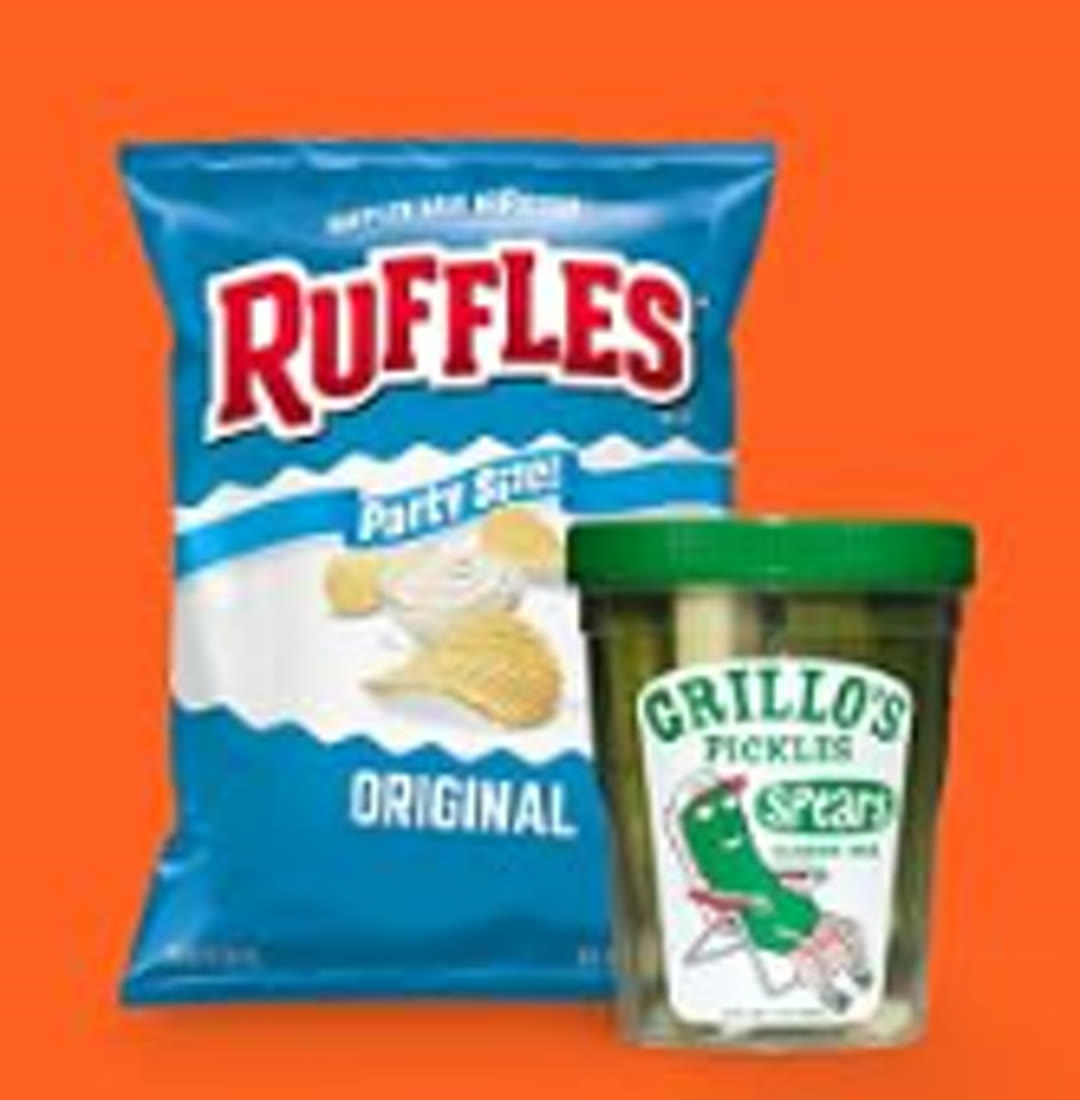
- Two-SKU splice (chips + pickles) for CPG energy
Avoid long brand intros. Viewers swipe.
5. Export and caption offline
Burned captions are optional. Many sellers overlay text in CapCut/Meta after export so they can A/B hooks without re-rendering AI motion. CapCut Commerce wins for captioned Shop ads; AmazVid wins for the silent, packaging-true master — AmazVid vs Pippit CapCut · compare CapCut path.
Creative recipes (steal these)
Fashion tote — 8s push-in, pastel backdrop, mute loop for organic Reels + Pinterest.
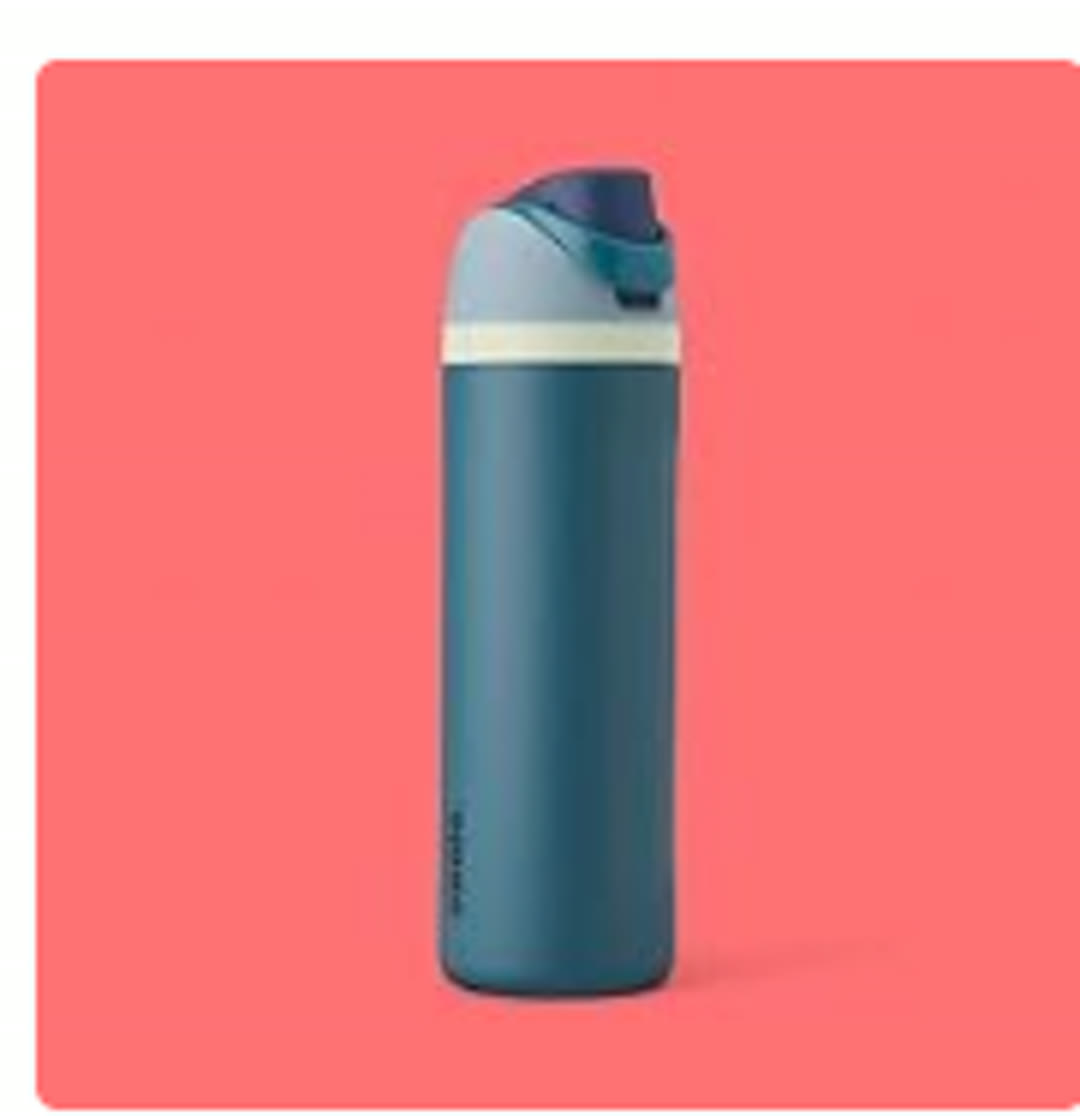
Insulated bottle — 10s vertical orbit, coral field, high saturation for paid.
Snack duo — 12–15s splice montage, 1.2s cuts, music only if licensed.
Cross-post vertical masters to Pinterest product videos and TikTok. Spec overlap is the point.
When AmazVid wins for Reels
AmazVid wins when Meta creative must still match the live listing: paste URL or upload the packshot, lock frame one, export silent 9:16, then finish hooks in CapCut. Use Topview / avatar tools when talking-head UGC is the primary ad unit — keep AmazVid for the product-locked B-roll. Amazon brands: start from AI Amazon video or ASIN → video so the Reels still matches Seller Central.
Credits for a weekly Reels test
Budget roughly one Ad creative (5 credits) per hero SKU hook, plus optional Product shot (2–3) if you also need a PDP loop from the same still. Free pilots may watermark — paid removes it before boost. Planner: AI product video pricing credits.
QA checklist before you boost
- [ ] Product readable at 0:00 on a phone
- [ ] Logo not melted by AI
- [ ] No watermark
- [ ] Safe margins for Reels UI
- [ ] Mute-first: story still works without sound
- [ ] First frame matches PDP / Amazon main image
- [ ] CTA lives in caption / ad copy, not as unreadable micro-type on pack
Conclusion
An Instagram Reels product video from photos is a repeatable pipeline: sharp still → first-frame lock → 9:16 short clip → mute-first QA. When you are ready, start free on AmazVid and generate your next Reel-ready MP4 from the photos you already have.
Team & job landings
Solutions by team · use cases by job — open the hub that matches how you ship.
Frequently asked questions
Can I use the same Reels file on TikTok and Pinterest?
Yes for 9:16 1080×1920 masters. Always re-check safe zones and cover frames per network.
Should Reels product videos have music?
Design mute-first for organic. Add trending or licensed audio only when your ad account and rights allow it.
How does AmazVid help with Reels?
Import a listing URL or upload a photo, choose 9:16, pick Product shot or Ad creative, and download silent 1080p ready for Reels editing or direct upload.
Product shot or Ad creative for Instagram Reels?
Organic soft loops can use Product shot. Paid hooks usually need Ad creative for punchier crop and pacing. Keep both silent masters; add captions in CapCut after export.
How long should a Reels product clip be?
Aim for 6–15 seconds with the product visible by second two. Longer only after retention proves out — see the ecommerce product video length guide.
Related guides
Sources
Ready to generate product video?
Paste a product link, lock the first frame, export silent 1080p — 2 free credits. No prompts required.