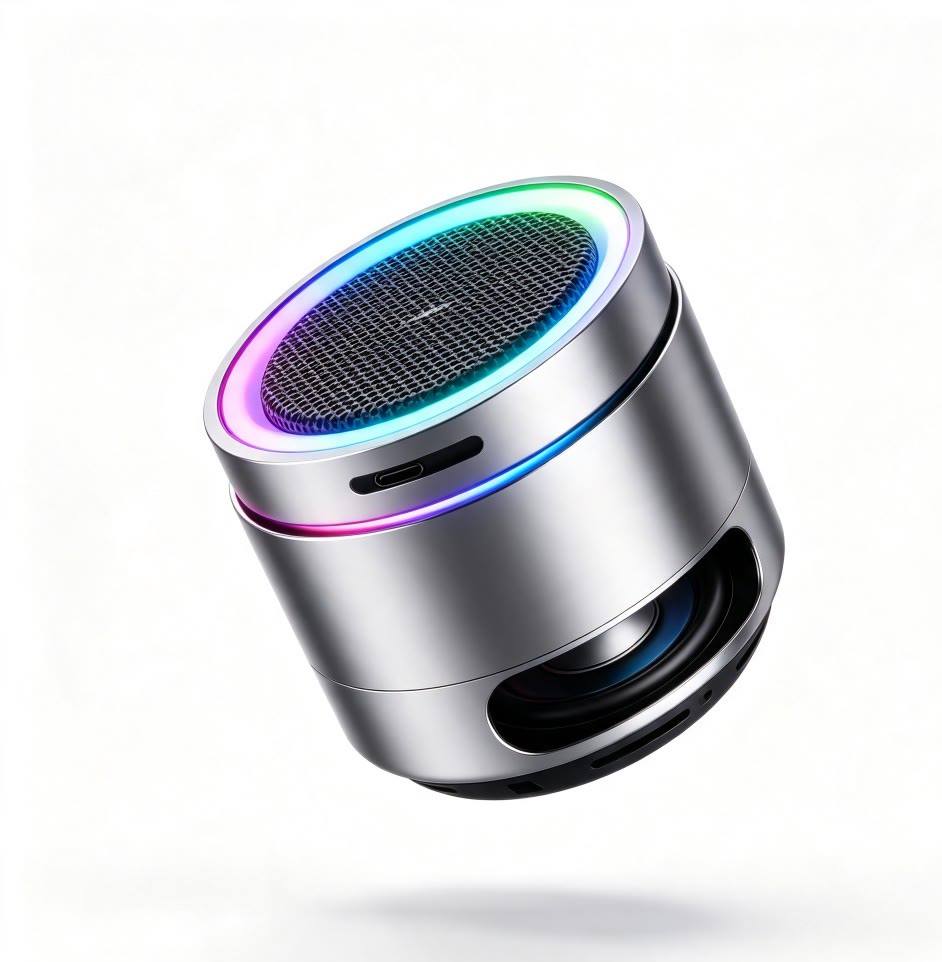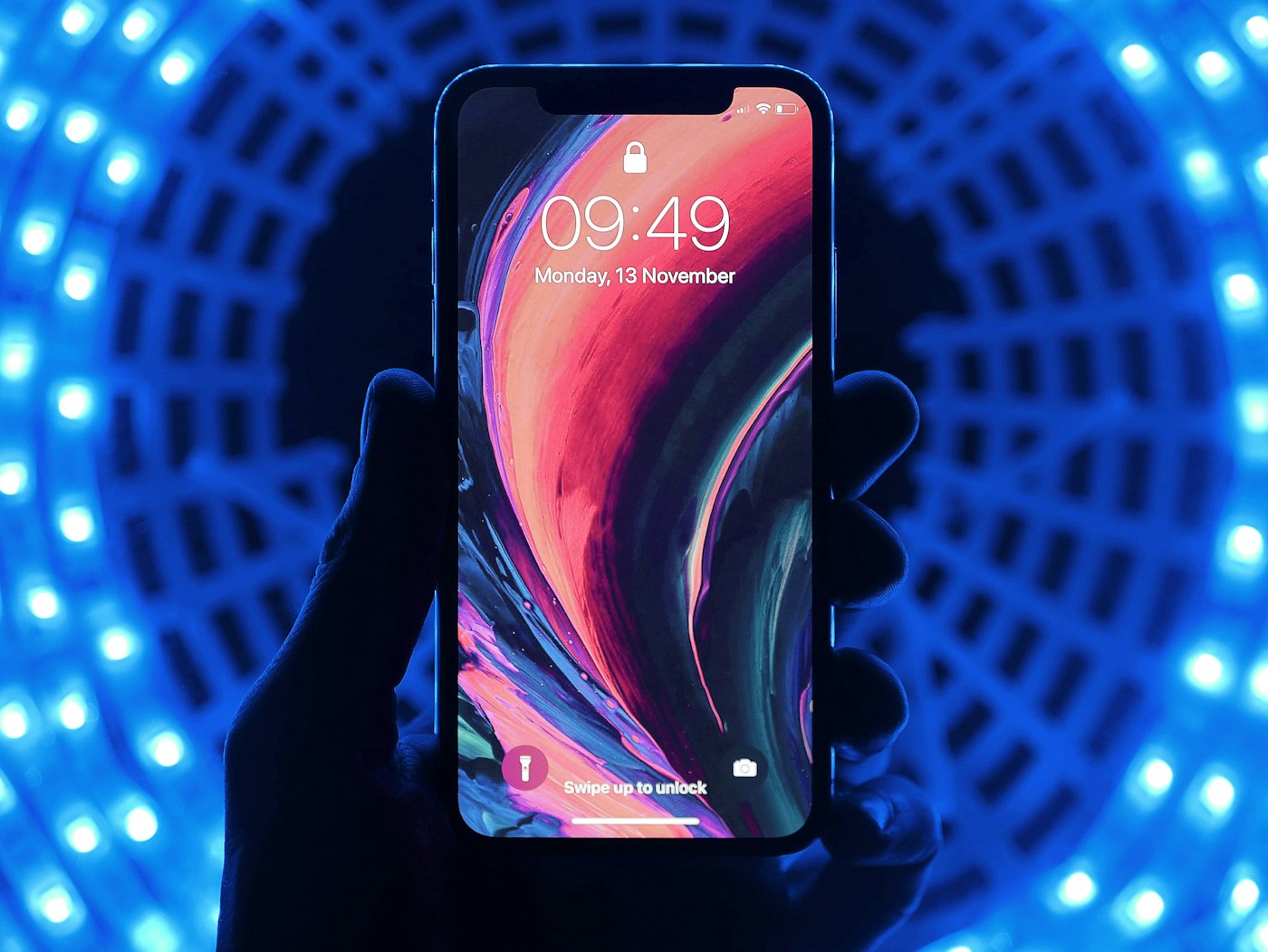
Blog · how to make Pinterest product videos
How to Make Pinterest Product Videos That Get Saves
How to make Pinterest product videos: Video Pin sizes (2:3, 9:16), 6–15s length, silent-first tips, and a photo-to-video workflow sellers can repeat.
Updated 2026-09-05 · 11 min read · AmazVid Editorial
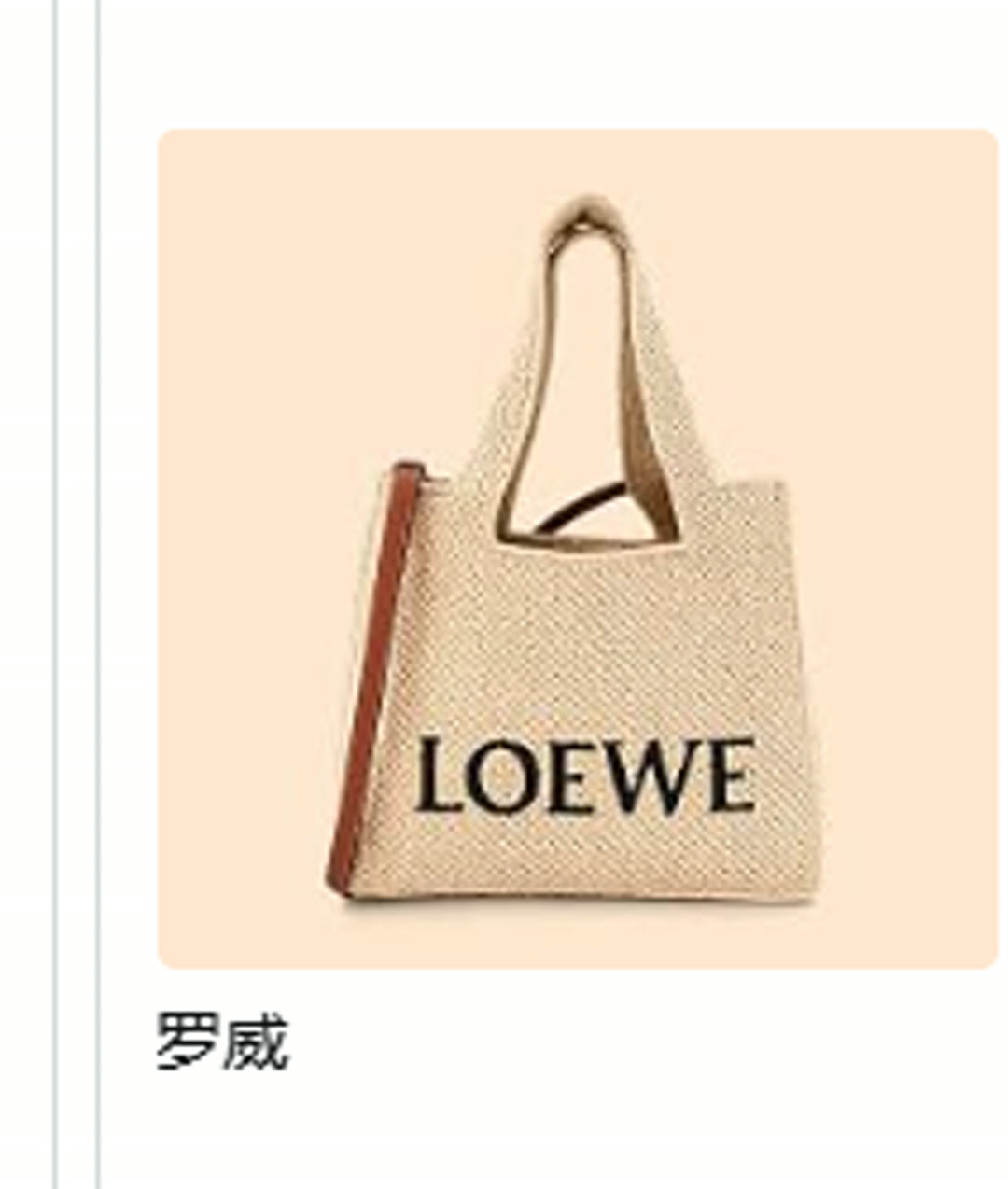
Pinterest is still a discovery engine. Shoppers save ideas before they buy — which means your Pinterest product video has to teach the product in one glance, then invite a save. This guide covers how to make Pinterest product videos from listing photos without a studio day.
For Amazon FBA brands, Shopify DTC, and Etsy makers who already have packshots.
Related hubs: AI product video · URL → video · Reels from photos
What “how to make Pinterest product videos” really means
Searchers want specs and a workflow, not abstract inspiration. A ranking page should answer:
- Which Pinterest Video Pin size to export
- How long the clip should run (usually 6–15 seconds)
- Whether sound is required (usually no for product loops)
- How to keep packaging faithful when you use AI motion
If you need a general photo-to-video primer first, start with convert product photos to video.

Pinterest Video Pin size (practical defaults)
Pinterest accepts several ratios. For product sellers, use these defaults:
| Goal | Ratio | Pixels | Notes |
|---|---|---|---|
| Max feed presence | 9:16 | 1080×1920 | Same file as TikTok / Reels |
| Classic Pin feel | 2:3 | 1000×1500 | Strong for idea boards |
| Catalog square | 1:1 | 1080×1080 | Fine for collections |
Official help documents list H.264/H.265 MP4 (or MOV/M4V), with Video Pins from about 4 seconds up to several minutes. For ecommerce, shorter wins: a 15 second product video is plenty for a tote, bottle, or snack pack.
Creative rules that earn saves
- Product in frame at 0:00 — no logo stinger, no abstract intro
- One camera idea — slow push-in, soft orbit, or light sweep
- Readable pack text — if the label softens, pick a sharper still
- Silent-first — most Pins play muted; music is optional for ads
- Strong cover frame — Pinterest surfaces a thumbnail; choose a mid-zoom still
Workflow: listing photo → Video Pin
1. Choose the hero still
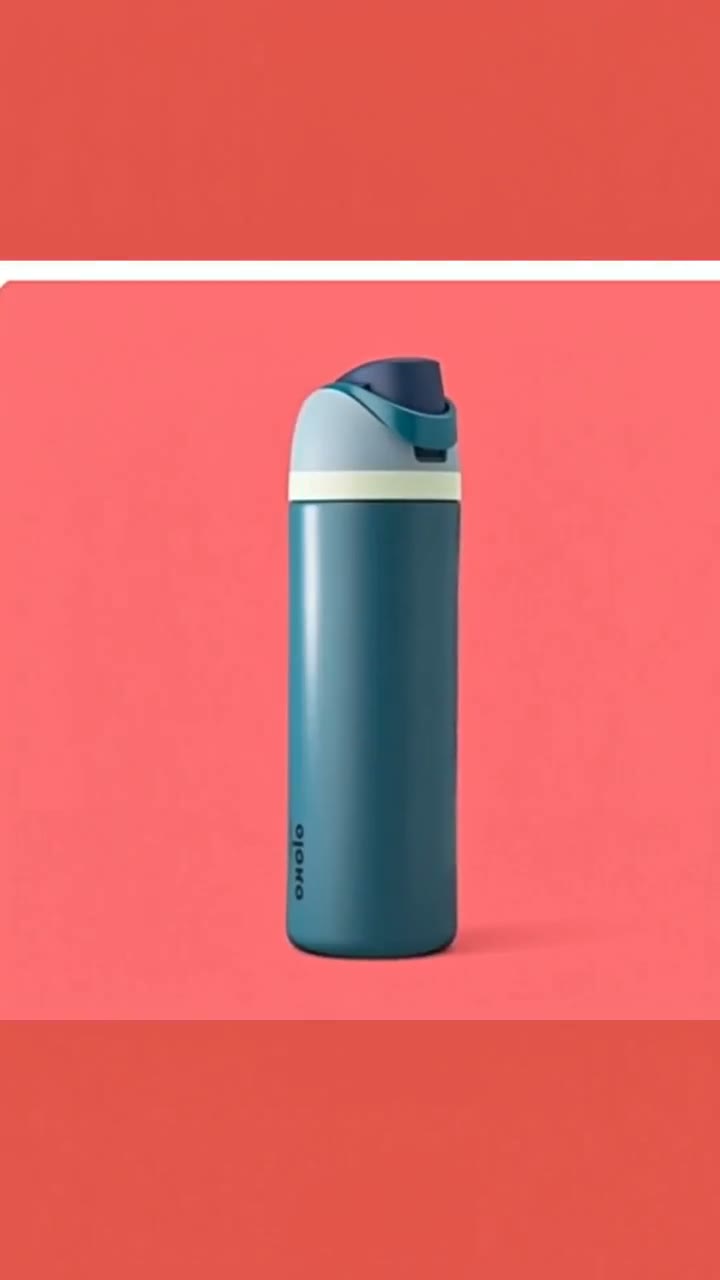
Use the cleanest product photo you own. High-contrast backdrops (peach tote, coral bottle, orange snack duo) outperform busy lifestyle mess on Pinterest.
2. Lock the first frame
Image-to-video with first-frame lock keeps colourways honest — critical when you sell fashion or CPG where shade and logo matter. See AI product video generator for ecommerce. Or paste a live link via turn product URL into video.
3. Export the right file
- 1080p MP4
- 9:16 or 2:3
- 6–15s
- No watermark on paid plans (buyers notice)
4. Write Pin copy for search
Pinterest ranks descriptions. Put the product category + use case in the first 80 characters (“woven tote bag product video for summer outfits”), then benefits. Do not keyword-stuff the video itself with burned text unless the ad unit requires it.
Length by intent
| Intent | Length |
|---|---|
| Idea Pin / organic save | 6–10s loop |
| Prospecting ad | 6–15s with early product |
| Retargeting | 5–8s reminder |
For channel comparisons, see our ecommerce product video length guide.
When AmazVid wins on Pinterest
AmazVid wins when Video Pins must match the SKU that ships: first-frame lock, silent MP4, Product shot for soft discovery loops or Ad creative for paid Pins. CapCut helps after export for text overlays on prospecting ads — it is a finisher, not the fidelity engine (AmazVid vs Pippit CapCut). Amazon sellers can start from AI Amazon video so Pins and gallery share the same still.
Credits
One 9:16 Product shot is typically 2–3 credits; Ad creative hooks are 5. Batch hero SKUs first, then expand colourways. Pricing detail: AI product video pricing credits. Silent export rules: silent product video no watermark.
Common mistakes
- Horizontal 16:9 cropped into a vertical Pin
- Soft logos after AI warps the pack
- 45-second brand films nobody finishes
- Cover frames that hide the product
AmazVid shortcut
Paste an Amazon, Shopify, Etsy, or Temu link (or upload the still), choose Product shot or Ad creative, pick 9:16, and download a silent 1080p clip sized for Video Pins. Then cross-post the same file to Instagram Reels from product photos.
QA checklist before you publish
- [ ] Product visible at 0:00 (no brand stinger)
- [ ] 9:16 or 2:3, not a cropped 16:9
- [ ] 6–15s, silent master
- [ ] First frame matches listing colourway
- [ ] Cover / thumbnail frame shows the SKU clearly
- [ ] No watermark; logos readable on mobile
- [ ] Pin description includes category + use case
Conclusion
How to make Pinterest product videos is a systems play: correct Pinterest Video Pin size, short duration, and first-frame fidelity. Use AI to remove studio friction — not to invent a different SKU. Ready to render? Create a free AmazVid account and turn your next still into a save-worthy Pin.
Team & job landings
Solutions by team · use cases by job — open the hub that matches how you ship.
Frequently asked questions
What Pinterest Video Pin size should sellers use?
Default to 9:16 (1080×1920) so the same file works on TikTok and Reels, or 2:3 (1000×1500) for a classic Pin crop. Keep product centred for safe zones.
How long should a Pinterest product video be?
Aim for 6–15 seconds. Longer files are allowed, but short product-locked clips earn more completions and saves.
Do Pinterest product videos need music?
Organic Pins often play muted — design silent-first. Add licensed audio only when you run ads that expect sound.
Can I reuse the same Pin file on Instagram Reels?
Yes for 9:16 1080×1920 masters. Re-check safe zones and write network-specific captions; keep one silent AmazVid master as the source.
Should I use Product shot or Ad creative for Video Pins?
Organic discovery Pins usually fit Product shot (soft orbit). Paid prospecting Pins often need Ad creative for earlier product punch. Both should stay listing-true and silent until you add licensed audio.
Related guides
- AmazVid homepage — AI product video generator
- Instagram Reels Product Video From Photos
- Ecommerce Product Video Length Guide
- Make Product Video from Photo
- Turn a Product URL Into Video
- AmazVid vs Pippit: Listing-True Video vs Design Agent
- Silent Product Video, No Watermark
- AmazVid use cases — job playbooks
- AmazVid pricing
Sources
Ready to generate product video?
Paste a product link, lock the first frame, export silent 1080p — 2 free credits. No prompts required.