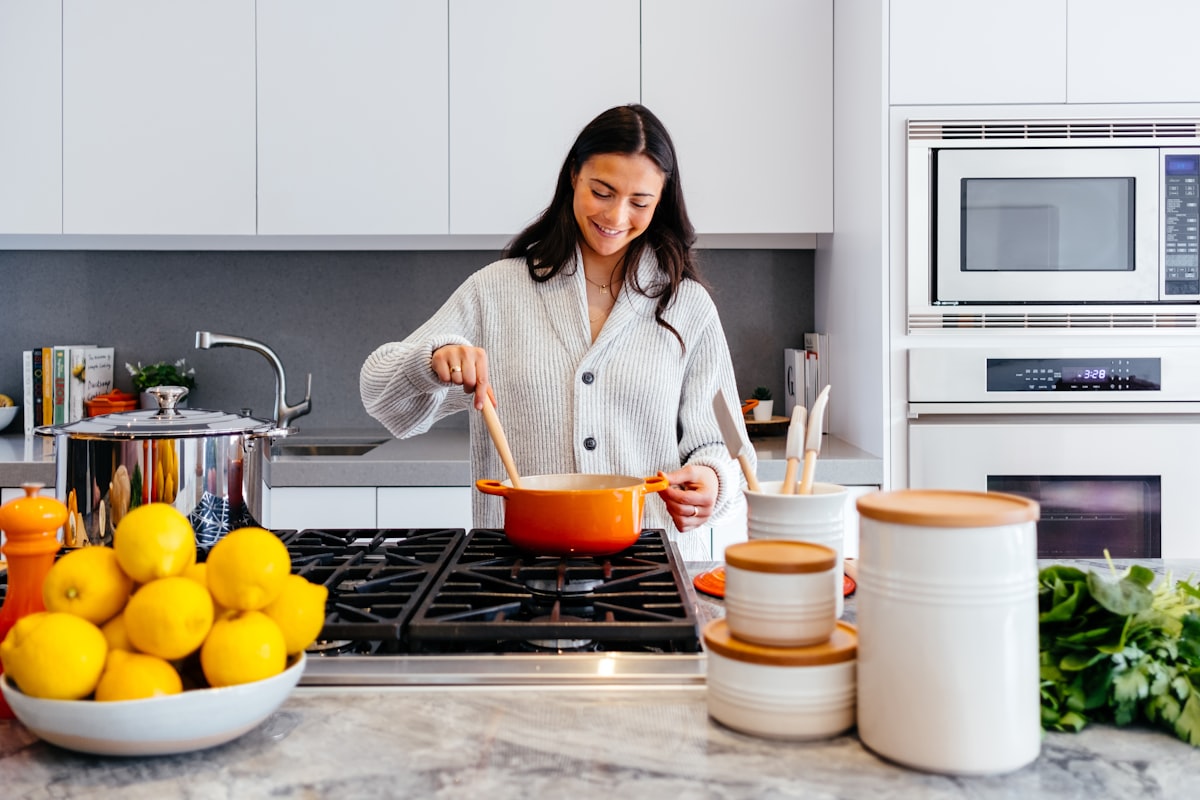
Blog · home goods product video
Home Goods Product Video: Furniture, Décor & Listing Clips
Home goods product video and furniture product video for Amazon and Shopify: silent orbits from one still, first-frame lock, and gallery-safe MP4 without a studio shoot.
Updated 2026-08-21 · 12 min read · AmazVid Editorial

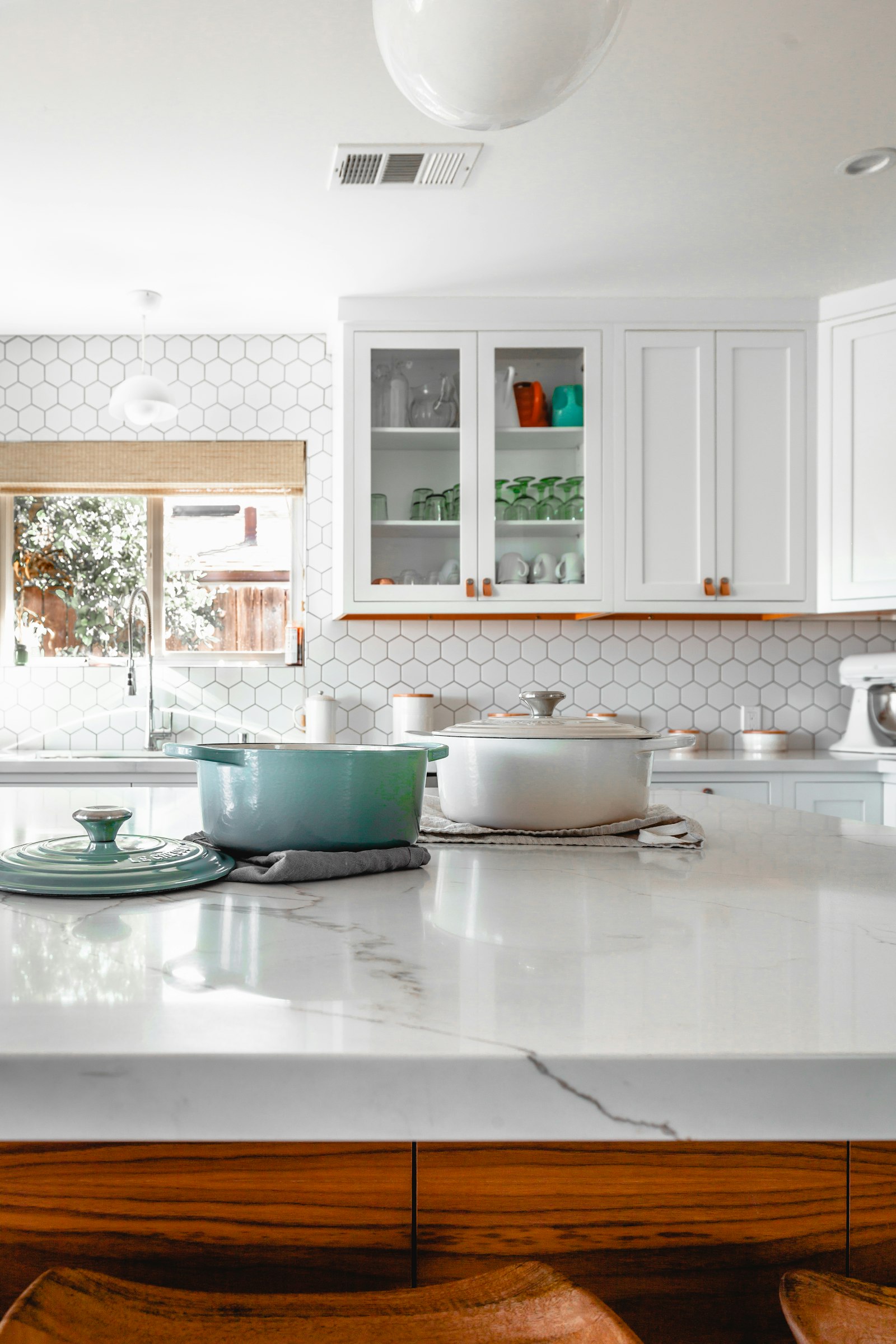
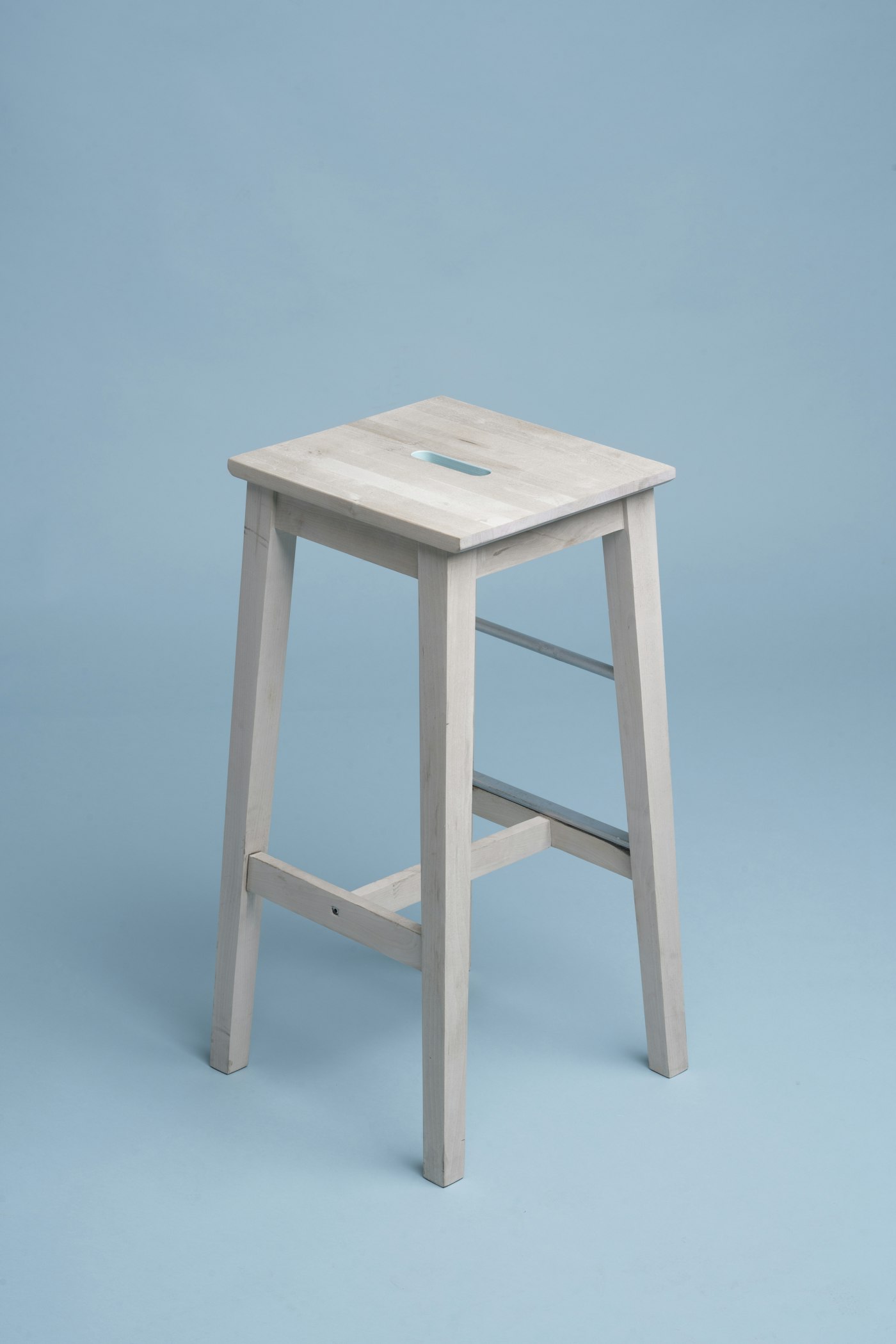
Home goods product video and furniture product video are the catalogue plays when static packshots stop winning the scroll. Shoppers compare finish, scale, and hardware — video proves what a single still cannot, without booking a set for every SKU.
This guide is for Amazon FBA/FBM sellers, Shopify DTC brands, and agencies who need repeatable listing clips — not one-off brand films.
What searchers mean by home goods / furniture product video
When people type home goods product video or furniture product video, they want:
- A workflow that starts from a real listing photo or marketplace URL
- Colour, grain, legs, and hardware that stay locked to the SKU
- Marketplace-friendly MP4 (often silent 1080p)
- Speed across chairs, tables, lamps, and décor variants
If a tool only shines on surreal cinematic rooms, it is the wrong shortlist for listing video.
Product shot vs Ad creative for home categories
| Job | Mode | Motion | Audio |
|---|---|---|---|
| Amazon gallery / Shopify PDP | Product shot | Orbit or push-in | Silent |
| Meta / TikTok hooks | Ad creative | Faster cinematic energy | Optional ambient |
Keep AI camera motion product energy honest: the camera moves; the product does not morph. That is first-frame lock — the same idea as first frame lock video.
Evaluation criteria that matter
- First-frame identity — hero still is frame one.
- Finish fidelity — wood/metal/fabric match bullets.
- Scale cues — legs, thickness, hardware readable on pause.
- Silent export — gallery-safe MP4.
- Credits math — plan weekly SKUs before you buy. See credits planner.
Workflow (AmazVid)
- Paste Amazon / Shopify URL or upload the hero still.
- Choose Product shot (5s = 2 credits, 10s = 3; 2K +1).
- Prefer one angle first; batch more only when the catalogue needs a set.
- QA pause frames against packaging and finish.
- Upload gallery/PDP; run Ad creative only when you need paid social.
Common mistakes
- Inventing lifestyle rooms that contradict the listing still
- Adding music to Amazon gallery uploads
- Using text-to-video prompts that redraw legs or fabrics
- Skipping colourway QA on stained wood variants
Related reading
- Home storage organizer video
- Amazon listing video requirements
- Shopify PDP practices
- Static ad to video for agencies
Start here: Product shot · Amazon sellers · Pricing
Team & job landings
Solutions by team · use cases by job — open the hub that matches how you ship.
Frequently asked questions
What is a home goods product video for ecommerce?
A listing-true clip that starts from your real product photo — usually a silent orbit or push-in for Amazon gallery or Shopify PDP. See [AI product video](/ai-product-video).
How do I make furniture product video without a studio?
Paste the ASIN/PDP URL or upload the hero still into AmazVid Product shot, lock frame one, render 8–10s silent MP4. Guide: [turntable without equipment](/blog/product-turntable-video-without-equipment).
Should furniture gallery clips show a staged living room?
No. Staged rooms belong in Ad creative / paid social. Gallery stays SKU proof. [Paid social solution](/solutions/paid-social).
Can agencies batch home décor colourways?
Yes — one motion preset, swap colourway stills/URLs, QA finish every export. [Agencies](/solutions/agencies) · [batch catalogue](/blog/batch-product-videos-for-ecommerce-catalog).
Silent export required?
Yes for Amazon gallery. Paid plans export without AmazVid watermark.
Related guides
- AmazVid homepage — AI product video generator
- AI Home Storage Organizer Video for Amazon
- Make Product Videos for Amazon
- Amazon Listing Video Requirements
- Shopify Product Video Best Practices
- White Background Product Video for Amazon
- Product Turntable Video Without Gear
- Batch Product Videos for Ecommerce
- Make Product Video from Photo
- AI Kitchen Gadget Product Video for Amazon
- Static Ad to Video for Agencies & Paid Social
- Sports Gear Product Video for Amazon
- Make Product Video with AI (2026 Guide)
- AmazVid use cases — job playbooks
- AmazVid pricing
Sources
Ready to generate product video?
Paste a product link, lock the first frame, export silent 1080p — 2 free credits. No prompts required.