Blog · AI ad animation
AI Ad Animation: Turn Product Photos into Meta & TikTok Video Ads
AI ad animation for Meta and TikTok: animate static product photos into 9:16 and 1:1 video ads with first-frame lock, AmazVid Ad creative mode, credit math, and a step-by-step HowTo.
Updated 2026-08-12 · 11 min read · AmazVid Editorial
AI ad animation is the fastest way performance marketers turn static product photos into Meta and TikTok video ads in 2026. You already have the asset: the listing hero, the winning static creative, the packshot from last season's shoot. Image-to-video animation adds motion without a reshoot — *if* the tool keeps the product honest.
This playbook covers the AmazVid Ad creative path, overlap with tools like Promer, credit math, placement specs, and a copy-paste workflow from photo to live ad.
Hub links: AI ad animation · AI ad creative / ad images · Turn static ads into video · AI product video ads · Pricing
Related guides: Facebook ads product video from photos · Instagram Reels product video · Wearable vs Product vs Ad creative · How to turn Amazon listing into video ad · AmazVid vs Promer · Text to video vs image to video
What "AI ad animation" means for sellers
Searchers typing AI ad animation usually want one of three outcomes:
- Animate a product photo into a 5–15s vertical hook
- Convert a static ad JPG (headline baked in or clean packshot) into motion for A/B tests
- Refresh fatigued creatives without new UGC or studio days
They do *not* want text-to-video that invents a different bottle, bag, or shade. Marketplace and ad policy both punish that drift.
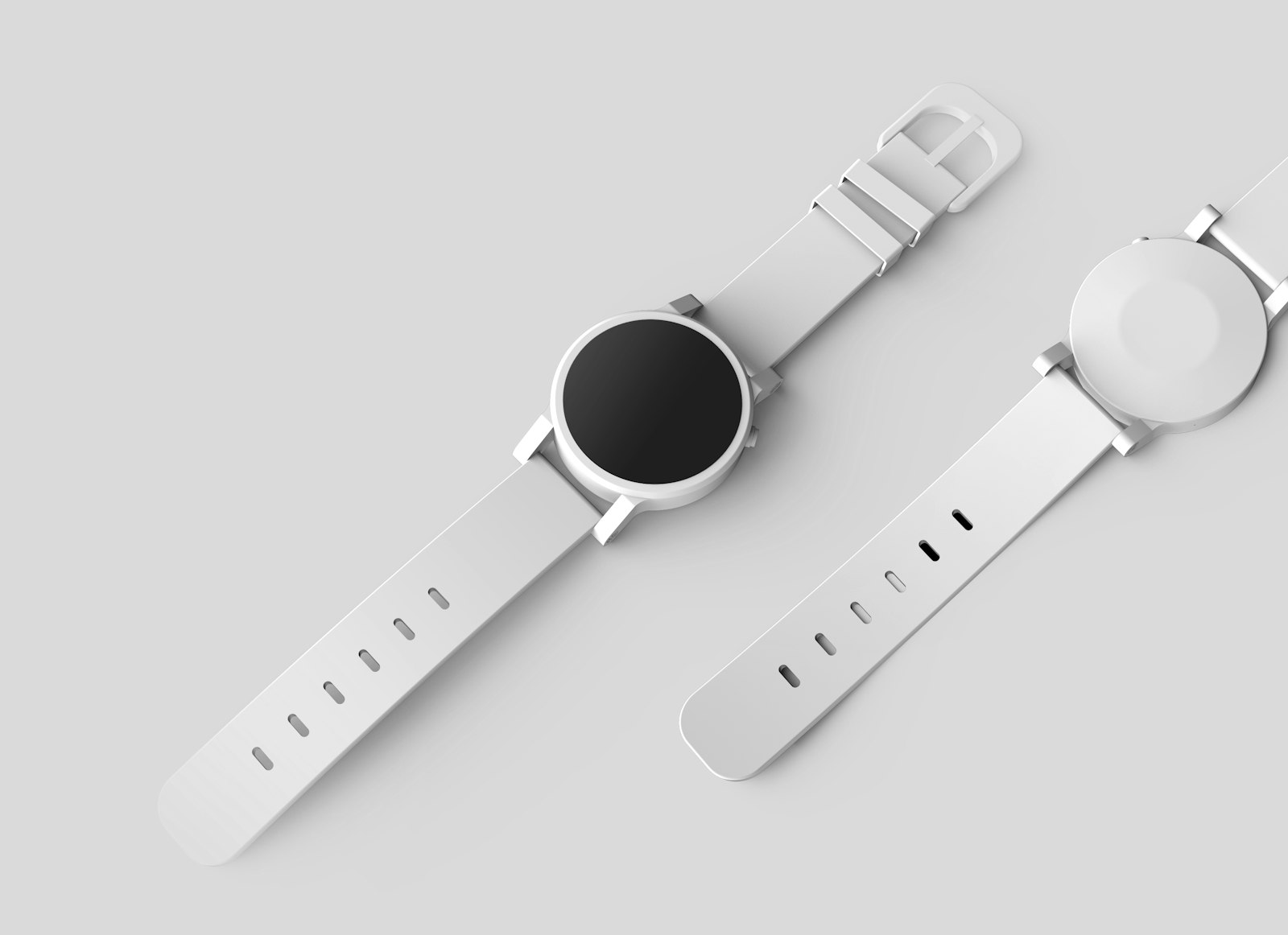
AmazVid's answer is Ad creative mode: 10s cinematic promo from the same SKU still, 5 credits at 768P (+1 for 2K). Product shot (2–3 credits) stays on listing orbits; Wearable (6 credits) handles on-body categories. Route by destination — see Wearable vs Product vs Ad creative.
Why static → video still wins in paid social
Feed autoplay is mostly muted. The first 2 seconds must communicate product identity without sound. Static JPGs fatigue in 2–4 weeks on always-on SKUs. Animated packshots restart learning *without* changing the item — if frame one matches the landing page.
| Channel | Preferred ratio | Duration sweet spot | Audio |
|---|---|---|---|
| Meta feed | 1:1 or 4:5 | 6–15s | Optional |
| Instagram Reels | 9:16 | 5–15s | Trend audio in editor |
| TikTok In-Feed | 9:16 | 5–21s | Native sound optional |
| TikTok Shop | 9:16 | 5–15s | Product clarity first |
AmazVid Ad creative workflow (step by step)
1. Source the right still
Use the live listing hero or your top static ad. Requirements:
- Readable on-pack text and logos
- High contrast against feed background
- No watermarks, no competitor trademarks
- Colourway matches what ships
Bad stills create expensive fails. Fix photography before you blame the model.
2. Import via URL or file
Open AmazVid or the Product URL to video hub. Paste Amazon/Shopify/Etsy/Temu link or upload the static creative. Confirm the extracted frame = PDP main image.
3. Choose Ad creative — not Product shot
| Mode | Credits | Length | Destination |
|---|---|---|---|
| Product shot | 2 (5s) / 3 (10s) | 5–10s | Amazon gallery, Shopify PDP |
| Ad creative | 5 | 10s | Meta, TikTok, Reels hooks |
| Wearable try-on | 6 | ~10s | Apparel, footwear, eyewear |
Ad creative adds punchier camera energy while keeping the reference still as product identity.
4. Export ratios before you spend
Generate 1:1 and 9:16 from the same first frame. Advantage+ and TikTok Smart+ will crop a single stretched master — clipping logos is a common silent killer.
5. Prompt for motion only
Winning ad animation prompts are boring on purpose:
- "Slow push-in, soft studio light, label sharp, no morphing"
- "Gentle 15° orbit, product centered, packaging unchanged"
Avoid explosions, melting materials, invented hands, and unverifiable "#1" overlays on-video.
6. QA gate (non-negotiable)
- Pause frames at 25 / 50 / 75% on mobile
- Logo legibility at 50% brightness
- First frame matches landing page product
- Silent 1080p MP4 unless you control music rights
- File name: `SKU_ratio_v01_adcreative.mp4`
Overlap with Promer and other ad tools
Tools like Promer also animate static product photos into video ads — often with Ad Spy libraries and Shopify-app-native flows. That overlap is real. The decision hinge:
| Job | Lean toward |
|---|---|
| Ad Spy + many static/video variants inside Shopify | Promer-class tools |
| Listing still → Meta/TikTok hook with first-frame discipline | AmazVid Ad creative |
| PDP + ads from one SKU photo | AmazVid (Product shot + Ad creative) |
| Competitor hook research before briefing | Promer Ad Spy → AmazVid render |
Honest comparison: AmazVid vs Promer
Credit and budget math
Before batching ten SKUs × two ratios:
| Render | Credits (768P) | 2K (+1) |
|---|---|---|
| Ad creative (10s) | 5 | 6 |
| Product shot (5s) | 2 | 3 |
| Wearable try-on | 6 | 7 |
Free plan: 6 credits on signup, no card — enough for one 5s Product shot (upgrade for Ad creative). PAYG is $12 / 10 credits. Full calculator: AI product video pricing credits · weekly ops: Weekly Amazon gallery video credits budget.
Do not burn five ratios on day one. Ship 1:1 + 9:16, kill losers in 48–72 hours, iterate motion — not product identity.
Meta-specific notes
- Keep claims in primary text when possible; on-video supers need legal review
- Match ad first frame to landing page hero (policy + CVR)
- Refresh motion every 2–4 weeks on always-on SKUs
- Silent exports perform fine; add audio in Ads Manager if licensed
Deep dive: Facebook ads product video from photos
TikTok-specific notes
- 9:16 with safe zones away from UI chrome (buttons, captions)
- Product clarity beats cinematic blur for TikTok Shop listings
- Coordinate with TikTok Shop product video requirements
- Shoppable strategy: short-form shoppable video strategy
Common mistakes
- Text-to-video the product — invents packaging; use image-to-video from the real still
- Letterboxing one master — platforms crop; export native ratios
- Product shot for TikTok hooks — too subtle; use Ad creative for scroll energy
- Skipping mobile QA — desktop approval hides soft logos
- Changing SKU mid-test — resets learning; refresh motion only
Internal linking cluster
Build authority, not orphan pages. From this article, continue to:
- AI ad animation hub
- Turn static ads into video
- AI product video ads hub
- Image to video ecommerce
- All tools
Bottom line
AI ad animation for Meta and TikTok is a systems problem: faithful first frames, channel-correct ratios, and Ad creative mode for hooks — not Product shot orbits uploaded to Reels by mistake. AmazVid charges 5 credits per 10s Ad creative (+1 for 2K), accepts URL or upload, and keeps the listing photo as product truth. Use Promer-class tools for Ad Spy velocity; use AmazVid when the animated ad must match what ships.
Start Ad creative — 2 free credits on signup — no card. Animate your best static photo into a 9:16 hook this afternoon. Gallery stills: Product shot · Pricing.
Team & job landings
Solutions by team · use cases by job — open the hub that matches how you ship.
Frequently asked questions
What is AI ad animation for ecommerce?
AI ad animation turns static product photos or existing static ad JPGs into short video clips for Meta, TikTok, and Reels. The product still defines identity; AI adds camera motion. AmazVid Ad creative mode is built for this at 5 credits per 10s render.
Should I use Product shot or Ad creative for Meta ads?
Use Ad creative for paid social hooks — 10s, punchier motion, 5 credits. Product shot (2–3 credits) is for listing-style soft orbits on Amazon galleries and Shopify PDPs, not scroll-stopping ads.
Can I animate a static ad that already has text overlays?
Yes if the base product photo is sharp and listing-accurate. Prefer clean packshots when possible; baked-in headlines can warp under heavy motion. QA pause frames before spending budget.
What aspect ratios do Meta and TikTok need?
Meta feed: 1:1 or 4:5. Reels and TikTok: 9:16. Generate native ratios from the same first frame — do not letterbox one master and let the platform crop your logos.
How does AmazVid compare to Promer for ad animation?
Both animate static product photos into video ads. Promer adds Ad Spy and Shopify-app workflows. AmazVid emphasises first-frame lock and listing-true exports across Product shot, Wearable, and Ad creative modes. Many teams use both.
Do I need sound on AI-animated product ads?
Most feed views are muted. Export silent 1080p MP4 from AmazVid and add licensed audio in Ads Manager or TikTok editor if the placement benefits from sound.
How many free credits can I use to test ad animation?
AmazVid gives 2 free credits on signup with no card — enough for one 5s Product shot; Ad creative and Wearable need a paid top-up. PAYG after that is $12 / 10 credits. See /pricing for plans.
Do I need a credit card to try AI ad animation on AmazVid?
No. Signup includes 2 free credits with no card. That is enough for one 5s Product shot before you pay.
Should I use text-to-video or image-to-video for Meta and TikTok ads?
Image-to-video from the listing still. Text-to-video invents packaging that fails landing-page match and ad policy. Use the photo as product truth and prompt only camera motion. See our text vs image listing guide.
Can I use the same still for Amazon gallery and paid social?
Yes. Run Product shot (2–3 credits) for the gallery and Ad creative (5 credits) for Meta/TikTok from the identical hero still. First-frame lock keeps both clips SKU-true. Weekly credit tables: our gallery credits budget post.
Related guides
- AmazVid homepage — AI product video generator
- Facebook Ads Product Video from Photos
- Instagram Reels Product Video From Photos
- Turn Amazon Listing into a Video Ad
- AI Product Ad Images from Listing Photos
- 9:16 Product Ad Video from Photos
- Product Ad Video vs Listing Video
- Packshot to Ad Creative Images
- Wearable vs Product vs Ad Creative
- AI Image to Video for Ecommerce
- TikTok Shop Product Video Requirements
- Shoppable Video Strategy: Amazon + TikTok Shop (2026)
- AmazVid vs Promer for Ecommerce Video
- Text to Video vs Image to Video
- AI Product Video Pricing & Credits Guide
- Weekly Amazon Gallery Video Credits Budget
- AmazVid use cases — job playbooks
- AmazVid pricing
Sources
Ready to generate product video?
Paste a product link, lock the first frame, export silent 1080p — 2 free credits. No prompts required.